





Recommended





Tic Tac Toe
- Rating
- 5
- Orientation
- Portrait
- Release Date
- 2025-06-16
What is Tic Tac Toe Neon
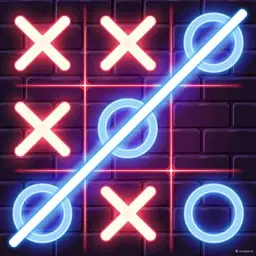
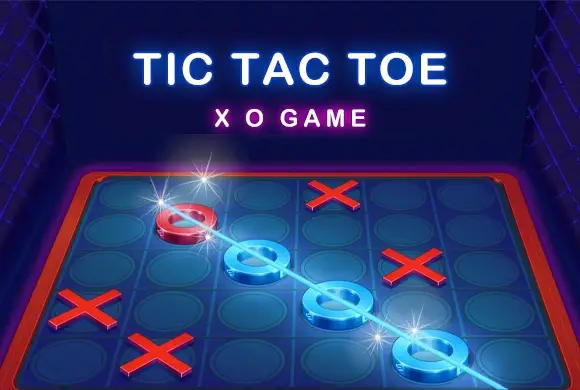
Step into the vibrant retro-future with Tic Tac Toe, a stunning neon-themed revival of the world's most beloved pen-and-paper classic! Also known as Noughts and Crosses, this game brings the timeless logic puzzle to your screen with gorgeous glowing visuals and a relaxing synthwave city atmosphere. Whether you are looking to kill a few minutes or engage in a serious battle of wits, this game has you covered. It features multiple board sizes to keep the gameplay fresh and challenging. Start with the traditional 3x3 grid for a quick match, or test your strategic depth on the massive 6x6 and 9x9 boards where you must align more symbols to win. Play solo against a clever AI opponent to hone your skills, or grab a friend for thrilling local 2-player matches on the same device. Get ready to place your glowing X's and O's and claim victory!
Key Game Features
Stunning Neon Visuals: Enjoy the classic game wrapped in a gorgeous, retro-cyberpunk neon aesthetic with glowing UI. Multiple Grid Sizes: Move beyond the basic 3x3 board and challenge your brain with expanded 6x6 and 9x9 grids. Play vs AI: Sharpen your logic by playing against a smart computer opponent in single-player mode. Local Multiplayer: Share the fun and compete head-to-head with friends on the same screen.
How to Play & Master
Playing Tic Tac Toe is incredibly intuitive, making it the perfect casual logic game for all ages. Step 1: Choose Your Mode. On the main menu, select whether you want to play against the computer (Player vs Robot icon) or against a friend locally (Player vs Player icon). Step 2: Select the Board Size. Use the glowing left and right arrows to browse the available grid sizes. Choose the classic 3x3 board, or up the difficulty with the 6x6 or 9x9 options. Step 3: Place Your Marks. The game is turn-based. Player 1 is 'O' (Red) and Player 2 or the AI is 'X' (Blue). When it's your turn, simply tap an empty square on the grid to place your symbol. Step 4: Form a Line. Your goal is to be the first to get your symbols in a continuous row. On the 3x3 board, you need 3 in a row (horizontal, vertical, or diagonal). For the larger boards, you usually need to connect 4 or 5 symbols in a row to win—pay attention to the glowing strike-through line that appears when a match is made! Step 5: Win, Lose, or Draw. If you successfully form the required line, you win the round! If the board fills up completely and no one makes a line, it's a draw. Tap the replay button to start again.
Game Controls
Tap/Click: Tap or click on any empty square within the neon grid to place your 'X' or 'O' symbol during your turn. Tap the menu buttons to switch modes.
Frequently Asked Questions (FAQ)
Q: What is the goal on the larger 6x6 or 9x9 boards?
A: Unlike the classic 3x3 where you only need 3 in a row, larger boards require you to connect more symbols in a continuous line (usually 4 or 5) horizontally, vertically, or diagonally to win.
Q: Can I play this game with a friend?
A: Yes! The game features a local multiplayer mode. Just select the "Player vs Player" button on the main menu, and you and your friend can take turns tapping on the same device.
Carrom
 277.5K
Yatzy Masters
495.1K
Mahjong Magic Islands
785.8K
Chess Master
708.2K
Ludo Star
482.5K
Chess Classic
329.7K
Match Cards
654.1K
Ludo King
704.3K
Ludo Master
889.5K
Fruit Snake
486.9K