





Recommended


Smart Cut
- Rating
- 5
- Orientation
- Portrait
- Release Date
- 2023-11-09
What is Smart Cut
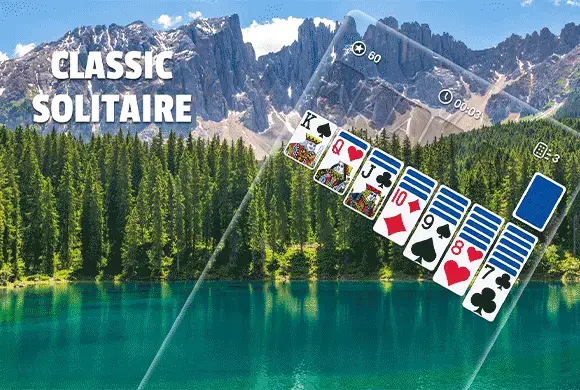
Welcome to Smart Cut, an engaging and relaxing geometry puzzle game that tests your spatial awareness and logical thinking! In this brain-teasing game, your objective is to slice various 2D shapes into perfectly equal parts using a limited number of moves. With a simple swipe, you can draw a cutting straight line across the screen. The game will automatically calculate the area of your sliced pieces and award you stars based on your accuracy. Featuring hundreds of creatively designed levels, a minimal yet visually pleasing aesthetic, and highly intuitive controls, Smart Cut is perfect for players of all ages. Whether you want to kill some time, relieve daily stress, or train your brain with practical math and geometry concepts, this game offers endless fun. Can you achieve a 3-star rating on every level?
Key Game Features
Brain-Teasing Puzzles: Challenge your spatial logic and geometry skills with hundreds of progressively difficult slicing levels. Intuitive Draw-to-Cut: Simply swipe your finger across the screen to draw a perfect straight line and slice the shapes. Star Rating System: Achieve high accuracy in your cuts to earn a perfect 3-star score for each level. Relaxing Gameplay: Enjoy a stress-free environment with clean, pastel aesthetics and no harsh time limits. Educational & Fun: Great for training math and geometry intuition while providing casual entertainment for all ages.
How to Play & Master
Playing Smart Cut is easy to learn but challenging to master. When you start a level, you will see a specific geometric shape (like a rectangle, triangle, or more complex polygons) on a grid background. At the top of the screen, you will see your objective, which usually involves slicing the shape using a given number of "Moves". To make a cut, click and drag your mouse (or swipe your finger) across the shape to draw a cutting line. Release to execute the cut. The game's engine will immediately split the shape and calculate the percentage area of each resulting piece. Your goal is to make the pieces as perfectly equal in size as possible. If your proportions are highly accurate (e.g., exactly 50/50 for a two-piece cut), you will be rewarded with a perfect 3-star rating. If your cut is slightly off, you might only receive 1 or 2 stars, but you can still pass the level. You can use the faint grid lines in the background as a visual guide to help you measure and plan your cuts. If you make a mistake, you can easily tap the refresh button to restart the level, or use the "TIP" button if you get completely stuck!
Game Controls
PC/Browser: Click and hold the left mouse button, then drag to draw a slicing line. Release the button to cut the shape. Mobile/Tablet: Touch and swipe your finger across the screen to draw a line, then release to execute the cut.
Frequently Asked Questions (FAQ)
Q: What determines how many stars I get?
A: The star rating is heavily based on the accuracy of your cuts. The closer your sliced pieces are to perfectly equal sizes (e.g., exactly 50% each), the more stars you will earn.
Q: Can I replay levels to get a better score?
A: Yes! You can replay any completed level from the main level selection menu to try and achieve a perfect 3-star rating.
Q: What should I do if I am stuck on a difficult level?
A: If you cannot figure out the right angle or position to cut, you can tap the "TIP" button at the bottom of the screen to reveal a dashed line showing exactly where you need to slice.

Kill.io
 351.9K
City Take Over
767.7K
Solitaire Casual Farm
393.7K
Crazy Artillery
259.2K
Slice It All
213.9K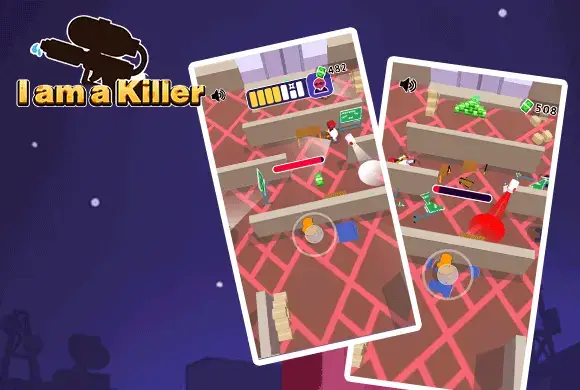
I Am A Killer
899.6K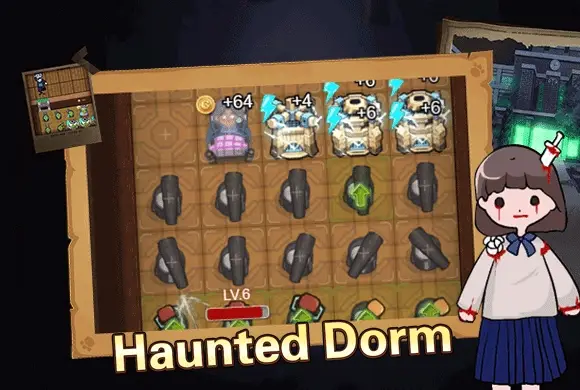
Haunted Dorm
271.1K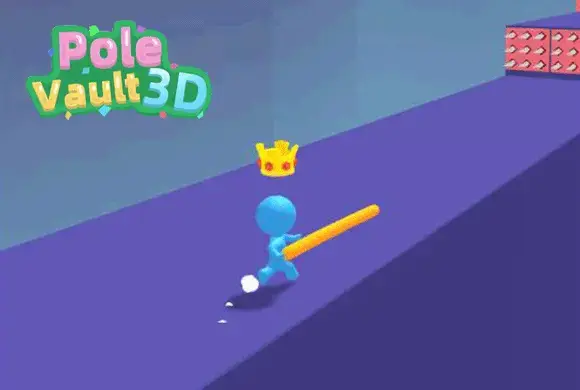
Pole Vault
153.4K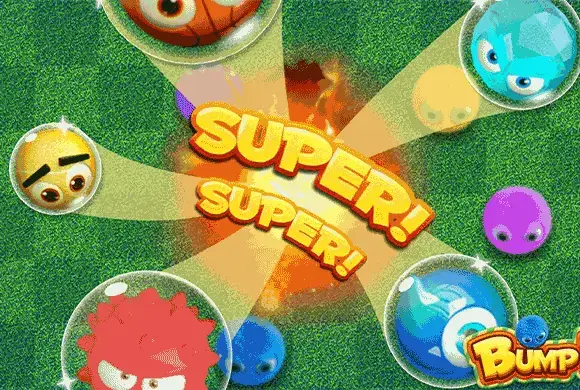
Bump Ball
807.1K
Super Jumper
649.2K