





Recommended
Princess Dress Up
- Rating
- 5
- Orientation
- Portrait
- Release Date
- 2025-08-05
What is Anime Princess Makeover
Anime Princess Makeover is a delightful 2D dress-up and simulation game that invites players into a world of boundless creativity and cute aesthetics. Designed with a charming anime-inspired art style, the game provides a platform for fashion enthusiasts to become professional stylists. Players can customize every detail of their avatar, starting from facial features like eye shapes and colors to a vast library of hairstyles. The wardrobe is packed with trendy tops, elegant skirts, stylish shoes, and unique accessories, allowing for millions of possible combinations. Whether you want to create a magical angel with glowing wings or a modern student in a school uniform, the choice is yours. The game also features a variety of beautiful backgrounds and sparkling visual effects to make your creation truly shine. With its intuitive interface and relaxing atmosphere, Anime Princess Makeover is the perfect digital canvas for anyone looking to express their unique sense of fashion.
Key Game Features
High Customization: Tweak facial features, hairstyles, and outfits to create a unique anime persona. Massive Wardrobe: Access hundreds of clothing items from elegant dresses to trendy casual wear. Stunning Visual Effects: Enhance your designs with magical wings, glowing accessories, and animated backgrounds. Anime Art Style: Enjoy high-quality 2D graphics with a vibrant and cute "Kawaii" aesthetic.
How to Play & Master
Start your makeover journey by tapping the play button on the main menu. You will be presented with a base character model. Along the bottom of the screen, you'll find different category icons such as eyes, hair, tops, skirts, socks, shoes, and accessories. Tap an icon to open its library of items. Scroll through the options and tap on a specific item to see it applied to your princess instantly. You can mix and match items as much as you want to find the perfect look. Don't forget to check the accessory and background tabs to add the finishing touches like jewelry or magical wings. Once your masterpiece is complete, you can use the checkmark button to finalize and save your design. Some premium items may require watching a short video to unlock.
Game Controls
Simply tap on icons to select categories and tap on specific items to apply them to the character.
Frequently Asked Questions (FAQ)
Q: How do I unlock the clothes with a video icon?
A: Tap on the item and select the option to watch a short rewarded video to unlock it permanently for your session.
Q: Can I change the background?
A: Yes, there is a dedicated background category (usually the last icon) where you can choose various scenic locations and effects.
Q: Is there a way to reset the character?
A: You can use the reset button (often represented by a circular arrow or "no" sign) within each category to remove specific items or revert to the default look.
ASMR Salon
 879.4K
Princess Dressup
615.1K
Fashion Girl
847.0K
Royal Dream Wedding
244.1K
Paper Doll Diary: Dress Up DIY
771.0K
Magic Princess Dress Up
894.0K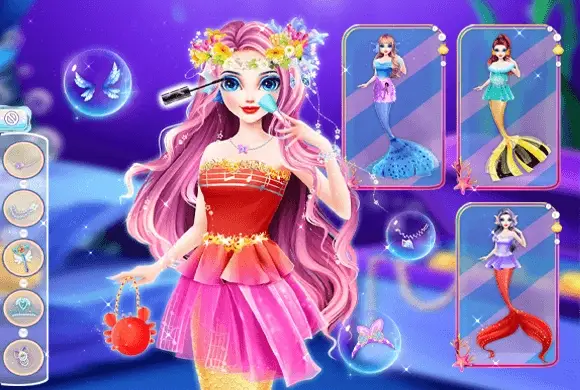
Fashion Mermaid Palace
488.4K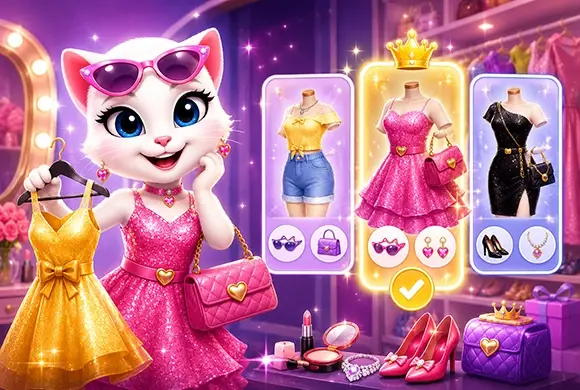
Angela Fashion Challenge
689.7K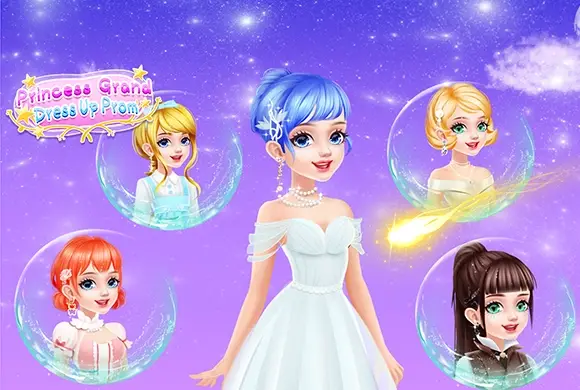
Princess Grand Dress Up Prom
550.4K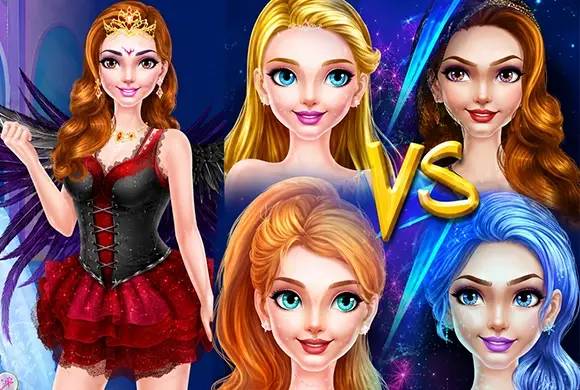
Fairy Princess Dress up VS Witch Make up
704.3K