





Recommended

Fashion Studio
- Rating
- 5
- Orientation
- Portrait
- Release Date
- 2024-02-18
What is Fashion Studio
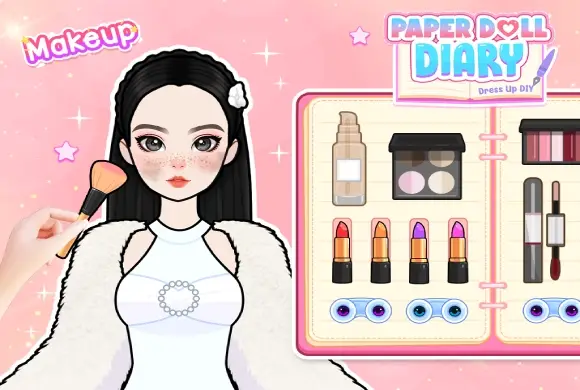
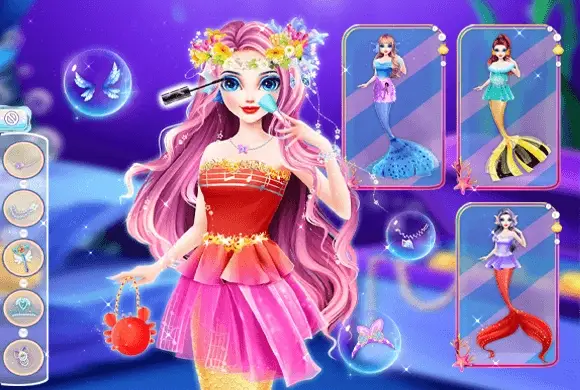
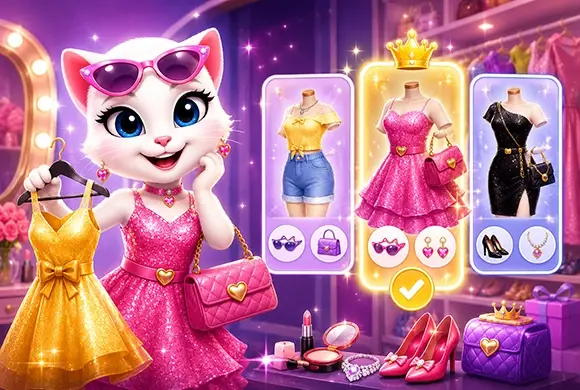
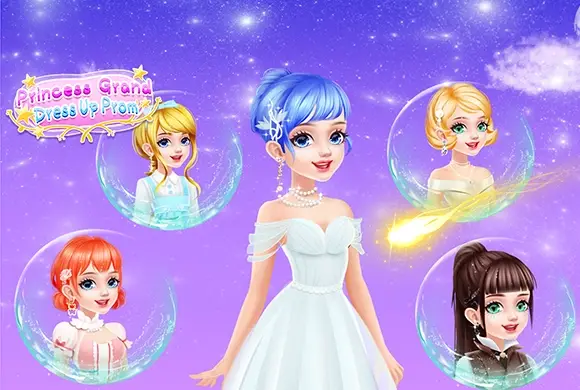
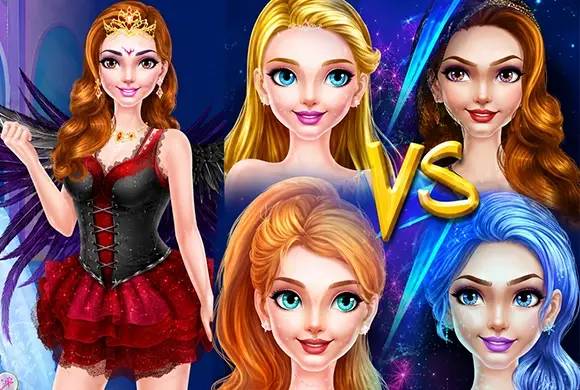
Welcome to Fashion Studio, the ultimate destination for aspiring stylists and fashion enthusiasts! In this high-fashion simulation, you take full control of a professional makeover studio. Your goal is to transform your model from head to toe, preparing her for the dazzling lights of the catwalk. The game offers an extensive collection of professional cosmetics, designer dresses, chic tops, and glamorous jewelry. Unlike typical cartoon dress-up games, Fashion Studio features a sophisticated, realistic art style with high-definition textures that make every fabric and makeup detail pop. You can experiment with bold lipsticks, intricate eyeshadows, and a vast wardrobe ranging from elegant evening gowns to trendy flamingo prints. Once your masterpiece is complete, head to the runway mode to see your model shine under the spotlight.
Key Game Features
Professional Makeup Suite: Customize facial features with detailed lipsticks, blushes, and eye makeup options. High-Fashion Wardrobe: Access hundreds of dresses, swimwear, outerwear, and accessories for endless combinations. Realistic 3D Visuals: Experience polished character designs and lifelike clothing textures for an immersive feel. Runway Finale: Watch your styled model walk the catwalk in a stunning stage environment. Stylist Shop: Use earned coins to unlock exclusive designer pieces and rare high-end accessories.
How to Play & Master
To start your stylist career in Fashion Studio, first select a model from the main menu. Tap "Start" to enter the dressing room. Your journey begins with the "Makeup" panel at the top, where you can apply foundation, eyeshadow, and lipstick. Next, use the vertical category icons on the right to browse through different clothing sections: dresses, tops, bottoms, and footwear. Simply tap an item to see it on the model instantly. To add extra sparkle, click the diamond icon to choose earrings and necklaces. Some exclusive items might require watching a short rewarded video to unlock. Once the look is perfect, click the "Preview" button to move to the runway. Here, you can admire your design and earn coins based on your styling skills, which can be spent in the Shop for even more items.
Game Controls
Tap/Click: Select makeup, clothing, and accessories. Scroll: Navigate through the side menu to view the full wardrobe catalog.
Frequently Asked Questions (FAQ)
Q: How do I unlock items marked with an "AD"?
A: Tap the item and watch a short video to unlock it permanently for that session.
Q: Can I change my model's hair color?
A: Yes, look for hair options within the makeup or top category sections.
Q: How do I earn more coins?
A: Complete styled looks and watch them on the runway to receive coin rewards.
Campus Growth Plan Dress
 283.1K
Baby Dress Up
124.0K
Dye Fashion Game
880.3K
Pet Salon
474.3K
Makeup Beauty
523.9K
ASMR Salon
879.4K
Princess Dressup
615.1K
Fashion Girl
847.0K
Royal Dream Wedding
244.1K
Princess Dress Up
274.3K