





Recommended



Draw Car
- Rating
- 5
- Orientation
- Portrait
- Release Date
- 2023-09-19
What is Draw Car 3D
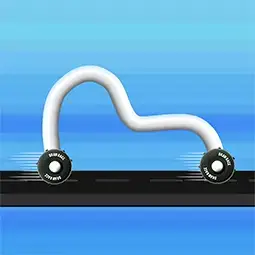
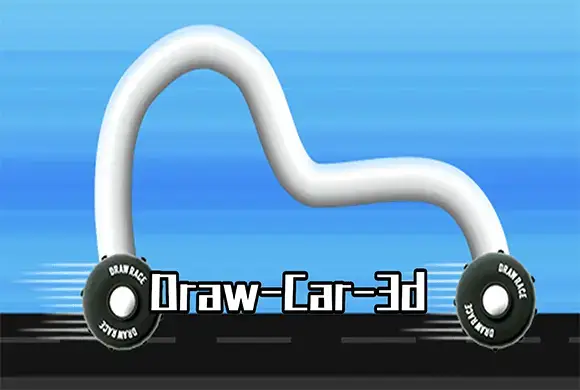
Draw Car 3D is an innovative hyper-casual game that ingeniously blends creative sketching with the thrill of physics-based racing. Unlike traditional racing games where you are confined to pre-made vehicles, here, you are the chief engineer. The game features a blank drawing canvas at the bottom of the screen; whatever shape you doodle instantly becomes the 3D chassis of your car. Your creation is then equipped with wheels and sent hurtling down a challenging track. The core challenge lies in the realistic physics engine: a long, flat line provides speed and stability, while a tall arch might be necessary to "step" over high obstacles or climb steep vertical walls. With hundreds of levels, various terrains like urban skylines, and a shop to customize your look, Draw Car 3D offers a satisfying mix of problem-solving and high-speed action.
Key Game Features
Unlimited Creativity: Draw any shape in the canvas to instantly manifest a custom 3D vehicle chassis. Real-time Transformation: Redraw your car shape at any moment during the race to adapt to changing terrain. Physics-Driven Logic: Use your understanding of gravity and leverage to design the most efficient car for climbing. Customizable Skins: Earn coins to unlock a variety of colorful skins and wheel styles in the shop.
How to Play & Master
Each level of Draw Car 3D begins with your car standing before a complex obstacle course. To move, you must provide a body for your wheels. Look at the dashed rectangular box at the bottom—this is your drawing area. Use your finger or mouse to draw a continuous line. Once you release, your shape turns into a 3D object, wheels attach to its ends, and the car moves forward automatically. The secret to winning is adapting in real-time. If you encounter a wide gap, draw a long horizontal line to span it. If you face a tall obstacle or a steep hill, draw a tall, vertical hook or arch to let your wheels "climb" up. If your car flips or gets stuck, simply draw a new shape in the box, and your vehicle will instantly reset to the new form. Watch the progress bar at the top to see your distance to the finish line, and collect coins along the way to upgrade your style!
Game Controls
Simply Click and Drag (or slide on mobile) in the white dashed box at the bottom to draw your car's shape.
Frequently Asked Questions (FAQ)
Q: Can I change my shape if I'm already moving?
A: Yes, you can redraw your car as many times as you want during the race to overcome different obstacles.
Q: What is the best shape for climbing hills?
A: Usually, a tall arch or a "V" shape helps the wheels reach higher ground to pull the car up.
Q: How do I spend the coins I collect?
A: Tap the "Shop" button on the main menu to buy new skins and colorful themes for your car.
Escape Dinosaur lsland
 236.1K
Wild Racing 3D
427.7K
Highway Rider Extreme
618.9K
Egypt Run
173.1K
Beauty Race
428.4K
Bike Rush
193.7K
HopBall 3D
322.4K
Need A Ride
1.6M
Stack Colors
245.9K
Drifting Mania
227.2K