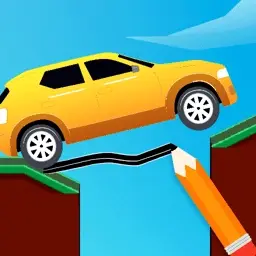
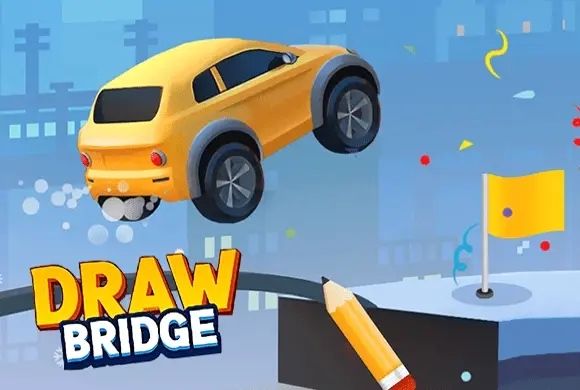
Draw Bridge is a minimalist and intellectually stimulating 2D puzzle game that challenges your spatial reasoning and understanding of physics. In this game, your primary objective is to guide a small car across treacherous gaps to reach the finish flag safely. However, there are no pre-built bridges! You must use your drawing skills to create a sturdy path that can withstand the weight of the vehicle and the forces of gravity. From snowy cliffs to complex industrial zones filled with rotating obstacles, each level presents a unique engineering challenge. The game features a clean, vector-based cartoon art style that keeps the focus on the puzzle-solving experience. With hundreds of levels ranging from simple crossings to complex multi-step maneuvers, Draw Bridge offers a satisfying "Aha!" moment with every successful bridge you design. It’s the perfect game for players who enjoy quick, creative brain exercises.
Creative Construction: Draw any shape or bridge design you imagine to bridge the gaps and overcome obstacles. Realistic Physics: Experience a dynamic world where gravity and car weight interact with your hand-drawn structures. Diverse Obstacles: Navigate through moving platforms, rotating blocks, and complex terrain across various themed environments. Brain-Training Fun: Improve your logical thinking and problem-solving skills with increasingly difficult and inventive level designs.
Each level of Draw Bridge begins with a car positioned on a cliff and a flag located on the opposite side. Between them lies a void filled with potential hazards. To play, simply click and drag your mouse (or use your finger) to draw a continuous line connecting the two platforms. You need to consider the angle of the slope and the structural integrity of your line; a bridge that is too thin or steep might cause the car to flip or fall. Once you release your finger, the car will automatically start its engine and attempt to cross your bridge. If the car successfully reaches the flag without falling into the abyss or being destroyed by obstacles, you pass the level. As you advance, you will encounter red buttons or moving machinery that require you to draw multi-layered or curved paths to bypass. Remember, you can redraw as many times as you like—experimentation is key to mastering the physics of the bridge!
Click and Drag your Mouse or Finger to draw lines. Tap the Refresh icon at the top right to clear the drawing and try again.
Q: Why does my bridge keep breaking? A: Your line might be too thin or poorly angled. Try drawing a thicker base or a more gradual slope. Q: Can I draw multiple lines? A: No, you must complete your bridge design in one continuous stroke to ensure a stable path. Q: What do the rotating blocks do? A: They act as physical hazards. You must draw your bridge in a way that avoids or shields the car from them.