






Recommended











Colorful Ice Cream Shop
- Rating
- 5
- Orientation
- Portrait
- Release Date
- 2023-05-12
What is Colorful Ice Cream Shop
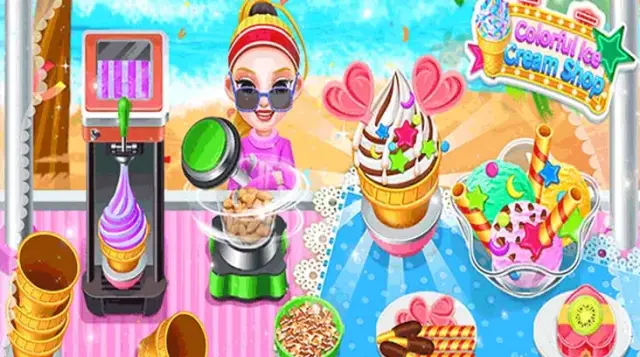
Welcome to the sweetest place in town—the "Colorful Ice Cream Shop"! In this delightful simulation game, you become the proud owner of an adorable pink ice cream truck. Your mission is to serve a variety of mouth-watering frozen treats to a diverse cast of happy customers. The game features a step-by-step cooking mechanic where you scoop different flavors of ice cream, use a blender to crush chocolates or nuts for toppings, and decorate the bowls with colorful wafer sticks and candies. As you successfully fulfill orders, you earn coins and stars. You can use these rewards to unlock new dessert recipes from the menu and even customize the look of your ice cream truck! With its bright, cartoonish graphics, simple controls, and relaxing gameplay, "Colorful Ice Cream Shop" is a fantastic experience for kids and anyone who loves food-themed management games.
Key Game Features
Interactive Cooking: Scoop ice cream, blend toppings, and decorate desserts yourself. Unlockable Menu: Earn stars to discover new and exciting ice cream combinations. Customer Management: Serve customers quickly to keep them happy and earn more tips. Truck Customization: Use your earned coins to change the design of your pink ice cream truck. Kid-Friendly Design: Bright colors, simple tap-and-drag controls, and cute characters.
How to Play & Master
Running your ice cream shop is fun and easy! Step 1: Take the Order. When a customer arrives at your truck, a speech bubble will show exactly what type of ice cream dessert they want. Step 2: Scoop the Ice Cream. Tap on the ice cream tub to open it, then drag the scooper to pick up the correct flavors (like vanilla or orange) and place them in the serving bowl. Step 3: Prepare Toppings. If the order requires toppings, move to the blending station. Put chocolates or nuts into the blender, press the button to crush them, and sprinkle them over the ice cream. Step 4: Decorate and Serve. Add the final touches, like wafer sticks or candies, to match the customer's picture. Once the dessert is ready, drag it to the customer. Step 5: Collect Coins. The happier the customer, the more coins and stars you get. Use them to upgrade your menu and decorate your truck!
Game Controls
Tap: Click to open containers, start machines (like the blender), or select items. Drag & Drop: Hold and drag the ice cream scoop to the bowl, or drag the finished dessert to the customer.
Frequently Asked Questions (FAQ)
Q: How do I unlock new ice cream recipes?
A: You need to collect yellow stars by successfully completing customer orders. Once you have enough stars, go to the "Menu" to unlock new items.
Q: Can I change how my ice cream truck looks?
A: Yes! Tap the paintbrush/customize icon on the main screen. You can spend the coins you earned to change the truck's color, awning, and other decorations.
Q: Why is the customer getting angry?
A: Customers have a patience meter (the smiley face that turns green, yellow, and red). If you take too long to make their order, they will get upset and leave.
Doomsday Chariot
 721.6K
Islanders War
643.7K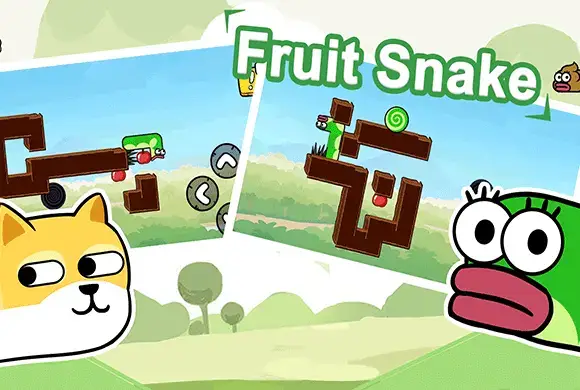
Fruit Snake
486.9K
Match Maker
430.2K
Immortals Simulator
360.6K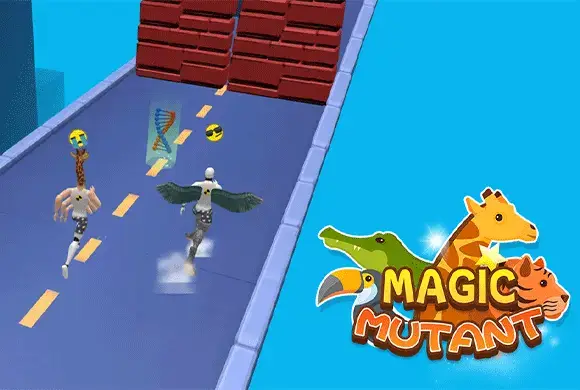
Magic Mutant
481.5K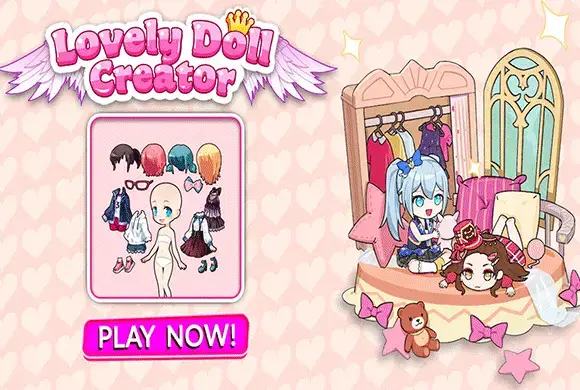
Lovely Doll Creator
113.8K
Mommy Birth Care
848.4K
Wood Shop
543.2K
Need A Ride
1.6M