






Recommended
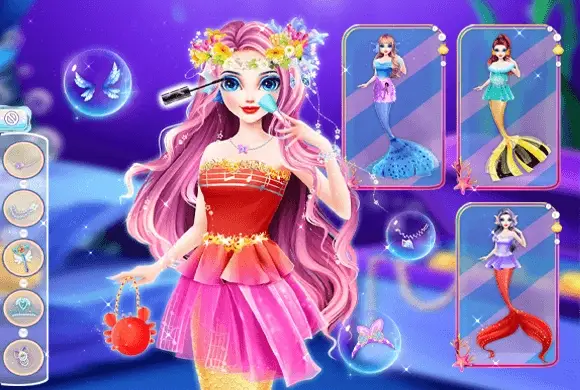
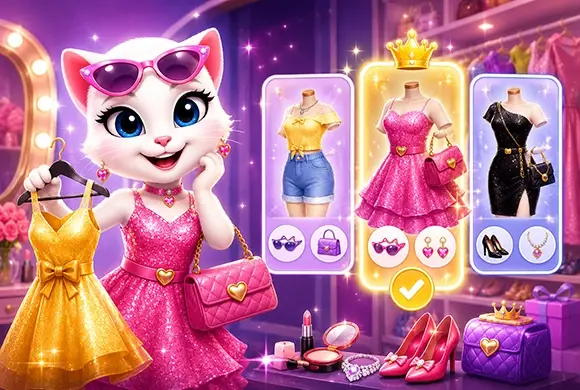








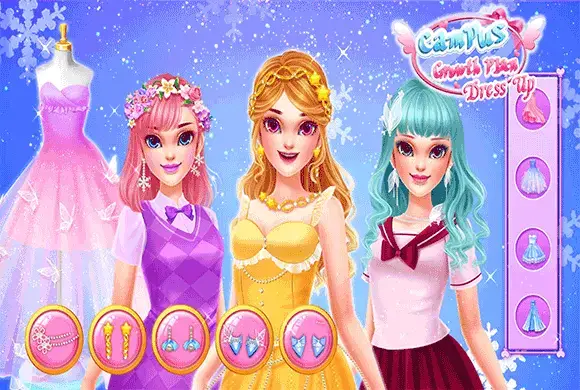
Campus Growth Plan Dress
- Rating
- 5
- Orientation
- Portrait
- Release Date
- 2023-05-12
What is Campus Growth Plan Dress
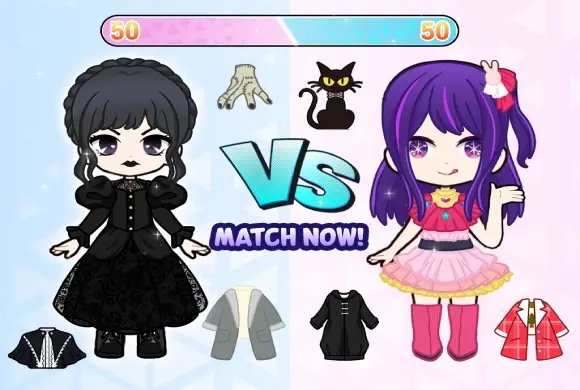
"Campus Growth Plan" is a vibrant fashion strategy game that transports you into the exciting life of a high school student aiming for stardom. Unlike simple dress-up games, this title combines RPG progression with styling challenges. You start as a novice student and navigate through a map of school locations like the Library, Theatre, and Sports Field. Each level presents a unique scenario where you must choose the perfect outfit to match the theme—be it a sporty look for the track or an elegant gown for a play. Success depends on your fashion sense! Win "VS" battles against rivals to earn coins and prestige points. With a captivating storyline, a massive wardrobe of glamorous clothes, and a "Campus Prestige" system to track your popularity, this game offers an immersive journey of fashion and growth.
Key Game Features
Story-Driven Gameplay: Progress through a campus map and unlock dialogue-rich storylines. Fashion Battles: Compete 1-on-1 against NPCs to see who has the best style rating. Themed Challenges: Dress up according to specific themes like Sports, Theatre, or Parties. Growth System: Earn "Campus Prestige" and "Social Prestige" to level up your status. Wishing Fountain: Use the magical fountain to win rare dresses and accessories. Massive Wardrobe: Mix and match hundreds of tops, skirts, shoes, and hairstyles.
How to Play & Master
Becoming the campus idol requires style and strategy. Here is how to play: Step 1: Choose a Level Navigate the school map and select the next available level node (e.g., "7-1" or "Theatre"). Step 2: Understand the Theme Read the dialogue carefully. The characters will give you hints about the occasion. For example, if they mention "sports" or "running," you need athletic wear. Step 3: Dress Up Enter the dressing room. Browse through categories like hair, tops, bottoms, and dresses. Tap on items to try them on. Look for clothes that match the level's theme (e.g., sneakers for sports). Step 4: Confirm and Battle Once you are happy with the look, tap the "Confirm" or checkmark button. Your character will enter a "VS" battle against an opponent. Step 5: Win Rewards The game will rate your outfit. If your score is higher, you win! You will receive coins, prestige points, and unlock the next stage. If you fail, try changing your outfit to better fit the theme.
Game Controls
Tap/Click: Select levels, advance dialogue, and choose clothing items from the inventory. Long Press: Used on the Wishing Fountain to claim rewards.
Frequently Asked Questions (FAQ)
Q: Why did I get a "Failed" screen?
A: Your outfit didn't match the required theme. Try reading the dialogue again and picking different clothes (e.g., don't wear a gown to a track meet).
Q: How do I get more clothes?
A: You can unlock clothes by progressing through levels, buying them in the shop with coins, or using the Fountain.
Q: What is Campus Prestige used for?
A: It acts as your experience points (XP). Accumulating prestige helps you unlock new chapters and features.
Dye Fashion Game
 880.3K
Pet Salon
474.3K
Fashion Studio
570.4K
Makeup Beauty
523.9K
ASMR Salon
879.4K
Princess Dressup
615.1K
Fashion Girl
847.0K
Royal Dream Wedding
244.1K
Princess Dress Up
274.3K
Paper Doll Diary: Dress Up DIY
771.0K